Local prototype access

Who are you?

Choose owner or employee. No password yet โ€” this is only for local testing.

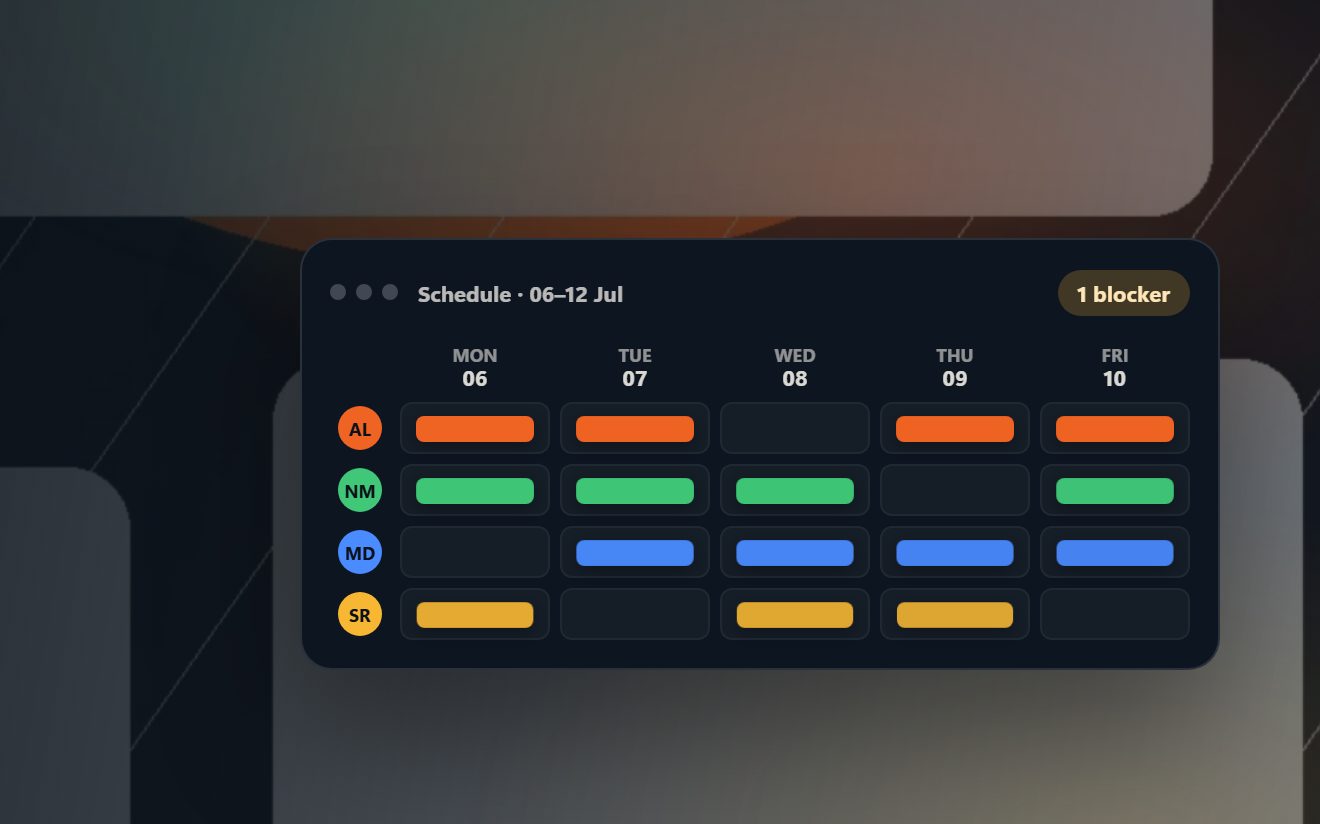
Weekly staff planner

Calendar

Not connected

Total hours by position

Total hours by zone

My swaps

Employee zone

Before publish: submit availability. After publish: click shifts to request/take swaps.

How swaps work: click your own published shift to offer it to anyone, or click someone elseโ€™s shift/open offer to volunteer. Owner approval is always required.

Total hours by position

Total hours by zone

My swaps

Total hours by position

Total hours by zone

Swap requests

Cost Analysis

Analyze the selected week or selected day from the planner. Use the week selector and W/M/T/W/T/F/S/S buttons above.

Planned cost by day

Stacked colors show the cost mix for the selected plan.

Week
Total planned costโ‚ฌ0Selected plan
Total planned hours0hSelected plan
Staffed employees0Distinct people scheduled
Avg cost / hourโ‚ฌ0Planning rate average
Highest-cost day/shiftโ€”Cost driver
Top cost positionโ€”Cost share
Top cost zoneโ€”Cost share
Assignments0Filled shift slots

Quick insights

Day breakdown: hours + cost

Employee workload & cost

Position breakdown

WHO: hours, cost and share by position.

Zone breakdown

WHERE: hours, cost and share by zone.

Dashboard

Longer-term planning trends and comparisons. This uses saved weekly snapshots and the current week.

Period costโ‚ฌ0vs previous period
Period hours0hvs previous period
Avg weekly costโ‚ฌ0Across selected range
Avg weekly hours0hAcross selected range
Peak weekโ€”Highest planned cost
Main cost driverโ€”Across selected range

Cost trend

Hours trend

Cost mix over time

Stacked bars show how positions or zones contribute to planned cost over time.

Position evolution

Zone evolution

Manage employees

Manage positions

These positions appear in the employee manager.

Manage zones & shift hours

This mirrors your Excel zone table: position/role, zone, lunch hours and evening hours.

Swap request

Change zone

Schedule message

Shift notes